Your CreateBook month
40 credits to plan, write, design, and export.
Turn what you know into income
Tell CreateBook what you know. It plans the chapters, drafts every page, and designs the cover, so you finish with an ebook ready to sell on Amazon Kindle, Etsy, Gumroad, and more.
$8 / month · Cancel anytime · Your writing stays yours
7-day money-back guarantee on your first membership payment
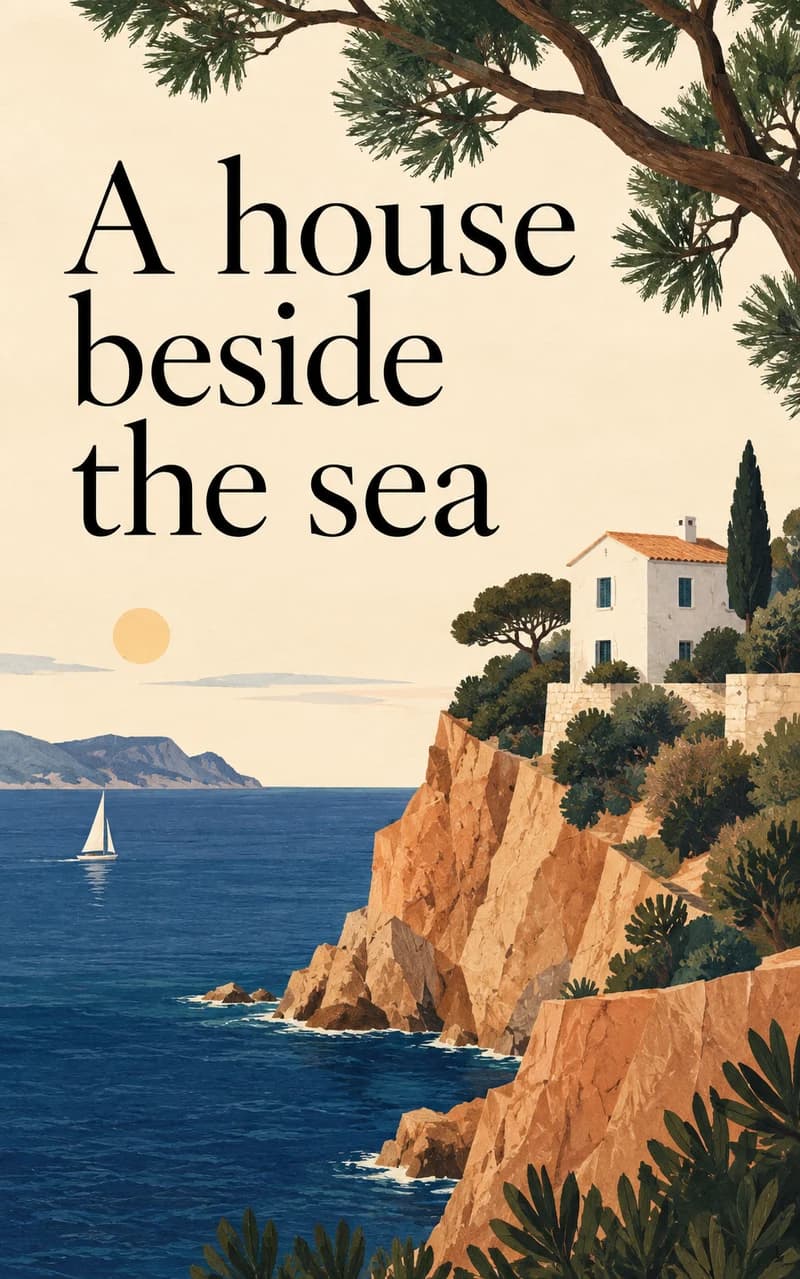
The house stood at the end of a little lane, where the garden gave way to the sea.
Every morning, the light found its way through the kitchen window. And every morning, she thought: perhaps today.
01Make it here. Sell it wherever your readers are.
 Amazon Kindle
 Apple Books
 Etsy
Etsy Gumroad
 Shopify
 Payhip
 Google Play Books
FROM IDEA TO SELLABLE EBOOK
No writing degree, no designer, no ghostwriter invoice. Just your idea and an evening.
Describe your idea or add your notes. Get a title and a chapter outline.
Every chapter is drafted live, then a cover is designed. Edit anything you like.
Export PDF, EPUB, or Word and list it on the store that fits your readers.
THE QUICK MATH
A digital ebook costs nothing to copy or ship, so every extra sale is yours to keep after store fees.
40 credits to plan, write, design, and export.
Many practical guides sell between $5 and $20.
On your own store, one sale covers the month after fees. Everything after that is income.
Example figures only. Earnings depend on your book, price, audience, and marketing; sales are not guaranteed.
MAKE MONEY WITH YOUR EBOOK
Sell it on your own store, on the big ebook shops, or to the people who already follow you. Make it once and sell it again and again.
Turn the advice people ask you for into a useful guide. Choose a price, share the link, and sell the same ebook again without printing or shipping a thing.
Offer a short ebook when someone joins your newsletter. Share useful tips from the book in your posts, then invite interested readers to hear more from you.
Show people how you solve a problem. Add a clear next step inside your ebook: visit your website, explore your course, or book a session with you.
PUT YOUR IDEA INTO NUMBERS
Pick a price and a monthly sales goal. Move the sliders to see how the numbers change.
Adjust the fee percentage for your chosen platform. Fixed fees aren’t included.
A planning estimate, not guaranteed income. Before taxes, refunds, ads, CreateBook membership, and other costs. You’ll still need to find your readers.
CHOOSE WHERE YOUR BOOK LIVES
Download your files from CreateBook, then upload to the platform that fits your readers.
Share a product link in your posts, newsletter, or bio.
Publish where people already browse and buy books.
Make a home for your books, or use a distributor to reach more stores.
Each platform has its own fees, publishing rules, and availability. Check its requirements before uploading, including any rules for AI-generated content.
Bring the idea. CreateBook helps you turn it into something you can share.
A BOOK STARTS WITH SOMEONE LIKE YOU
A side project, a lifetime of stories, or something you know how to teach. There's a book in all of them.

I want to turn something I know into my first ebook to sell.

I have years of lessons from building a business. I want to put them in a book.

My audience keeps asking for my advice. I want to bring it together in one ebook.

I know my subject. Help me make a useful guide that still sounds like me.

A lifetime of stories and lessons deserves more than a few conversations.

These family stories deserve a book we can keep and pass down.

My characters are already in my head. I want help getting the story onto the page.

I've never written a book. I have an idea, and I want a place to start.

I answer these questions every day. A practical ebook could help more people.
You don't need a finished draft. Just an idea worth starting.
YOUR KNOWLEDGE CAN BECOME A PRODUCT
From the advice you share for free to an ebook you can offer for sale.
I had a book idea but did not know where to start. CreateBook helped me plan the chapters and write a first draft. I edited the book, shared it with my reading group, and sold my first copy.
My followers wanted all my tips in one place. CreateBook helped me turn my posts into an ebook. I shared it with my followers, and one of them bought a copy.
My followers kept asking how to start exercising. CreateBook helped me write a beginner guide, and I checked each exercise. I shared the guide on my page, and a follower bought the first copy.
New designers asked how I worked with clients. CreateBook helped me turn my notes into a guide. I shared the finished ebook in my newsletter and made my first sale.
I wanted to sell something online but had no product. CreateBook helped me write a short ebook about a skill I knew. I shared it with people learning that skill, and one of them bought it.
Friends kept asking for my recipes. CreateBook helped me put them into a cookbook, and I tested every recipe. I shared the finished book with my friends, and one bought the first copy.
My students wanted exercises to do at home. CreateBook helped me write a practice guide, and I checked the exercises. I offered it after a lesson, and a student bought a copy.
Visitors often asked what to do in my city. CreateBook helped me turn my tips into a weekend guide. I checked the opening times and prices, shared the guide on my travel page, and made my first sale.
My newsletter readers wanted to learn more about one topic. CreateBook helped me turn those articles into an ebook. I emailed my readers about it, and one of them bought a copy.
Customers asked how to look after the products in my shop. CreateBook helped me put the answers into a guide. I added the ebook to my online shop, and a customer bought a copy.
Beginners asked what they could grow on a balcony. CreateBook helped me write a guide, and I checked the advice. I shared it with my gardening group, and someone bought a copy.
I had wanted to write a book for months but kept getting stuck. CreateBook gave me an outline and a first draft to work on. I edited the book, told my newsletter readers about it, and made my first sale.
People who missed my workshop asked for the notes. CreateBook helped me turn those notes into an ebook. I offered it to them, and someone bought the first copy.
People wanted my job-search tips without booking a coaching session. CreateBook helped me put the tips into a short guide. I checked the advice, listed the ebook on my website, and made my first sale.
Followers kept asking how I edited my photos. CreateBook helped me write a guide that explained each step. I checked the instructions, shared the ebook on my page, and sold a copy to a follower.
Other parents asked how I planned our family week. CreateBook helped me put our routines into a short guide. I shared it with my parenting group, and someone bought the first copy.
My students wanted a guide to keep after the course. CreateBook helped me turn my lesson notes into an ebook. I checked the book, offered it to my students, and sold the first copy.
Readers asked how I made time to rest during a busy week. CreateBook helped me put my routines into an ebook. I reviewed the book, shared it in my newsletter, and made my first sale.
I had a story in mind but no finished book. CreateBook helped me write a first draft and make a cover. I edited the story, shared it with my reading group, and sold a copy.
Business owners asked for tips they could use on their own. CreateBook helped me put my advice into a guide. I shared the ebook in my newsletter, and a reader bought it.
My blog readers kept asking about the same problem. CreateBook helped me write a guide that answered their questions. I shared it with those readers, and one of them bought a copy.
Students wanted my study tips in one place. CreateBook helped me write a guide with practice exercises. I checked the exercises, offered the ebook to my students, and made my first sale.
Listeners wanted a beginner guide to the topic of my podcast. CreateBook helped me turn my notes into chapters. I told listeners about the finished ebook, and one of them bought it.
I had several ebook ideas but had not finished any of them. CreateBook helped me plan and write one book. I edited it, added it to my online shop, and made my first sale.
New freelancers asked how I found my first clients. CreateBook helped me write a guide based on my experience. I shared it with people starting out, and someone bought the first copy.
People in my community wanted help organising local events. CreateBook helped me turn my notes into an event planning guide. I shared the ebook with the group, and a member bought a copy.
I wanted to make a guide but was working on my own. CreateBook helped me write a draft and create a cover. I edited the book, shared it in my newsletter, and sold my first copy.
Readers wanted my essays together in one book. CreateBook helped me organise them into chapters. I edited the collection, offered it to my newsletter readers, and sold a copy.
Students wanted instructions to follow at home after class. CreateBook helped me turn my craft notes into a guide. I checked each step, offered the ebook after class, and a student bought a copy.
Readers asked for a simple explanation of the research I shared. CreateBook helped me organise my notes into chapters. I checked the facts and sources, listed the ebook in my shop, and made my first sale.
Followers wanted all my cooking tips in one place. CreateBook helped me turn them into an ebook. I tested the instructions, shared the book on my page, and a follower bought it.
Some people wanted business advice without a full coaching session. CreateBook helped me write a short guide. I put the ebook on my website, and someone bought a copy.
I had a draft but still needed a cover and a file readers could open. CreateBook helped me finish those steps. I listed the ebook for sale, told my newsletter readers about it, and sold my first copy.
New pet owners kept asking me the same questions. CreateBook helped me put the answers into a beginner guide. I checked the advice, shared it with my pet-care group, and someone bought a copy.
I had kept a book idea in my notes for months. CreateBook helped me turn it into chapters and a first draft. I edited the ebook, shared it with people interested in the topic, and made my first sale.
THIS IS WHAT YOU’LL SELL
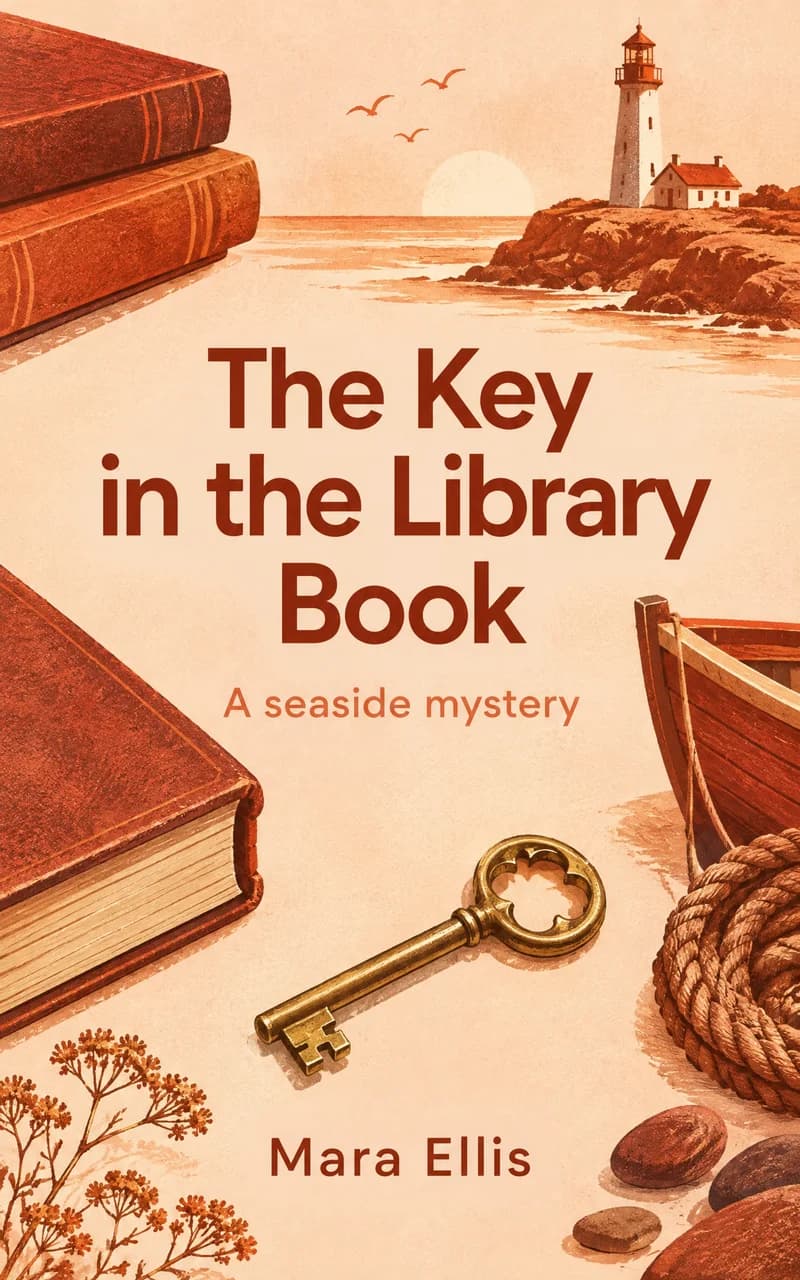
Real chapters, a real cover, real pages. Turn one and see what your buyers get.
A BOOK MADE WITH CREATEBOOK
A seaside mystery · Mara Ellis
A small idea.
A book of your own.
PICK YOUR NICHE
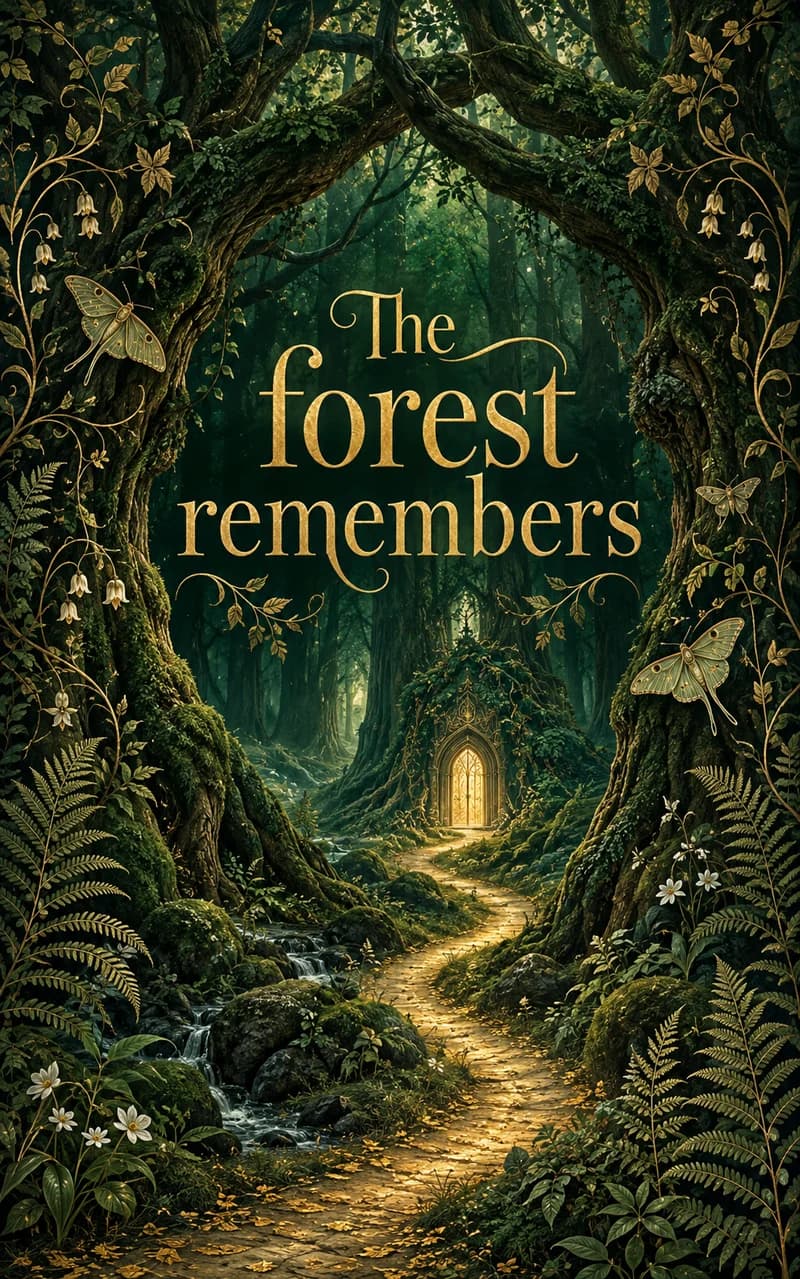
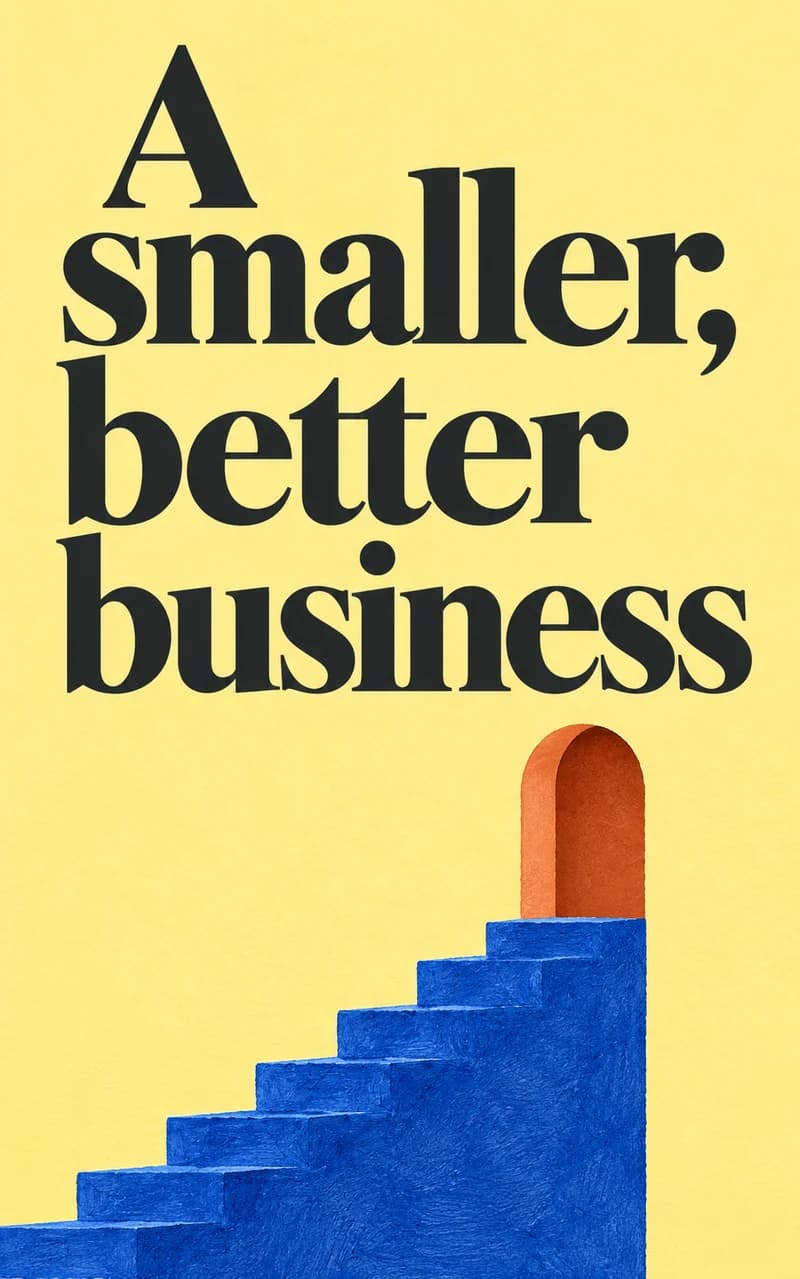
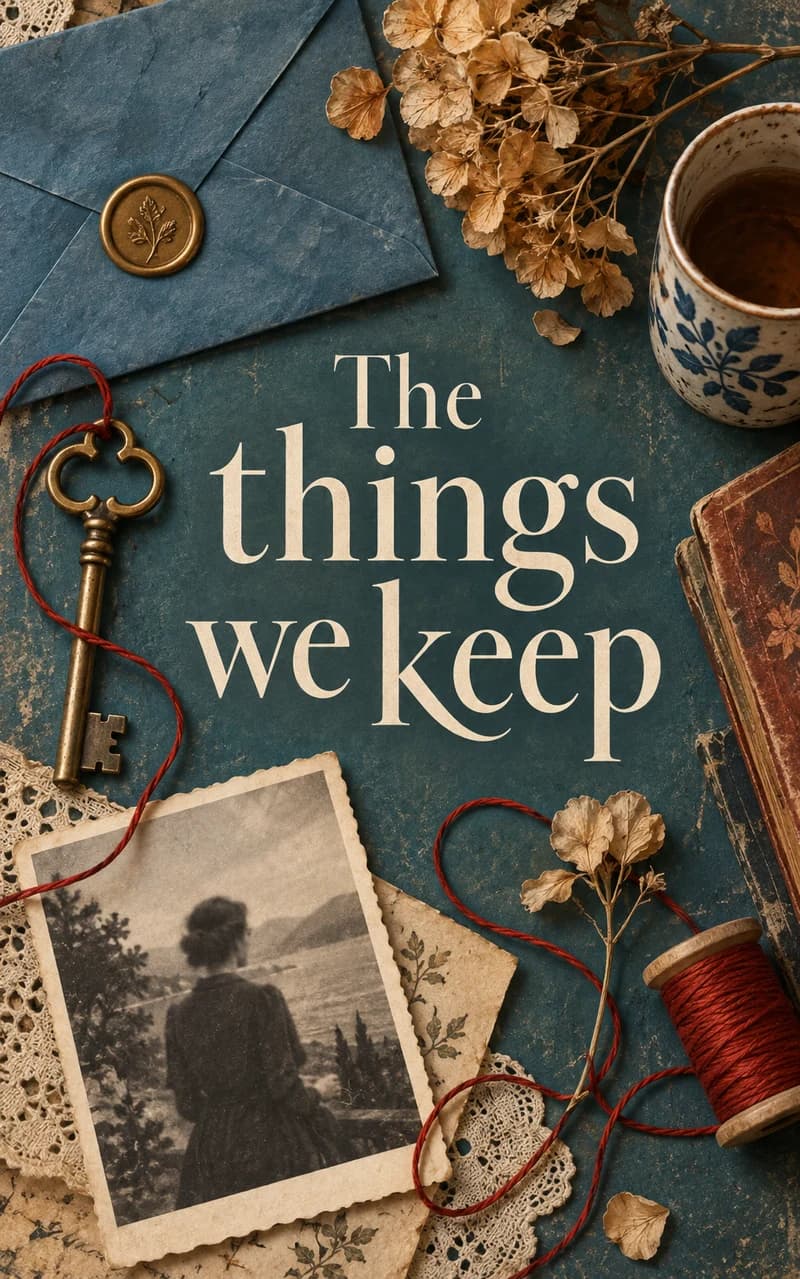
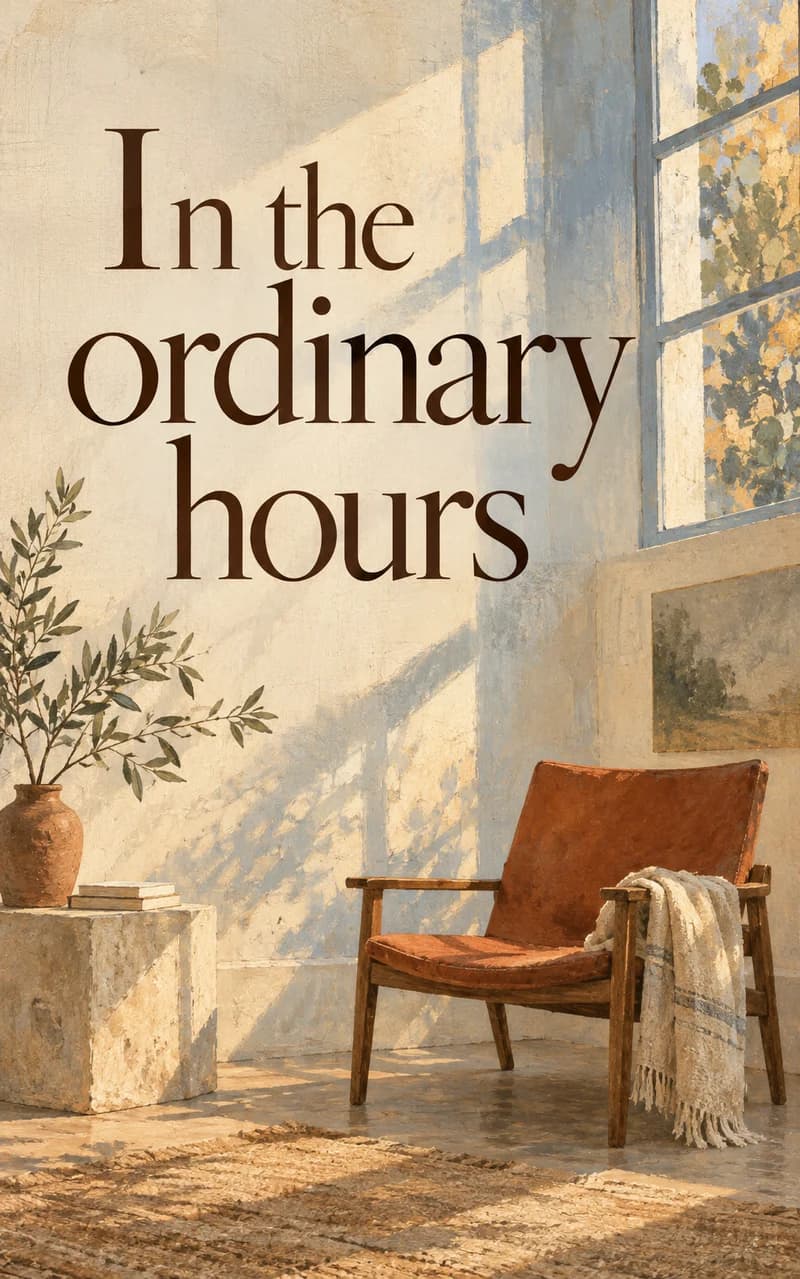
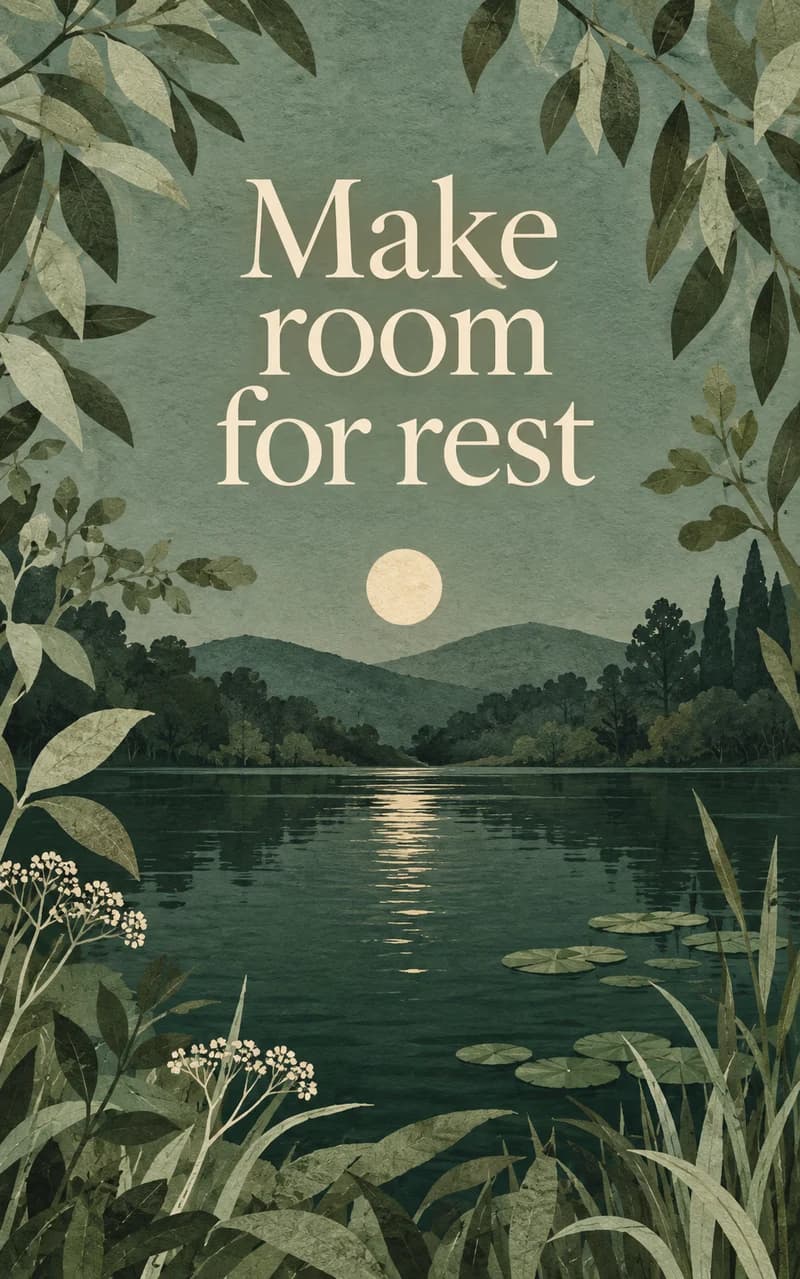
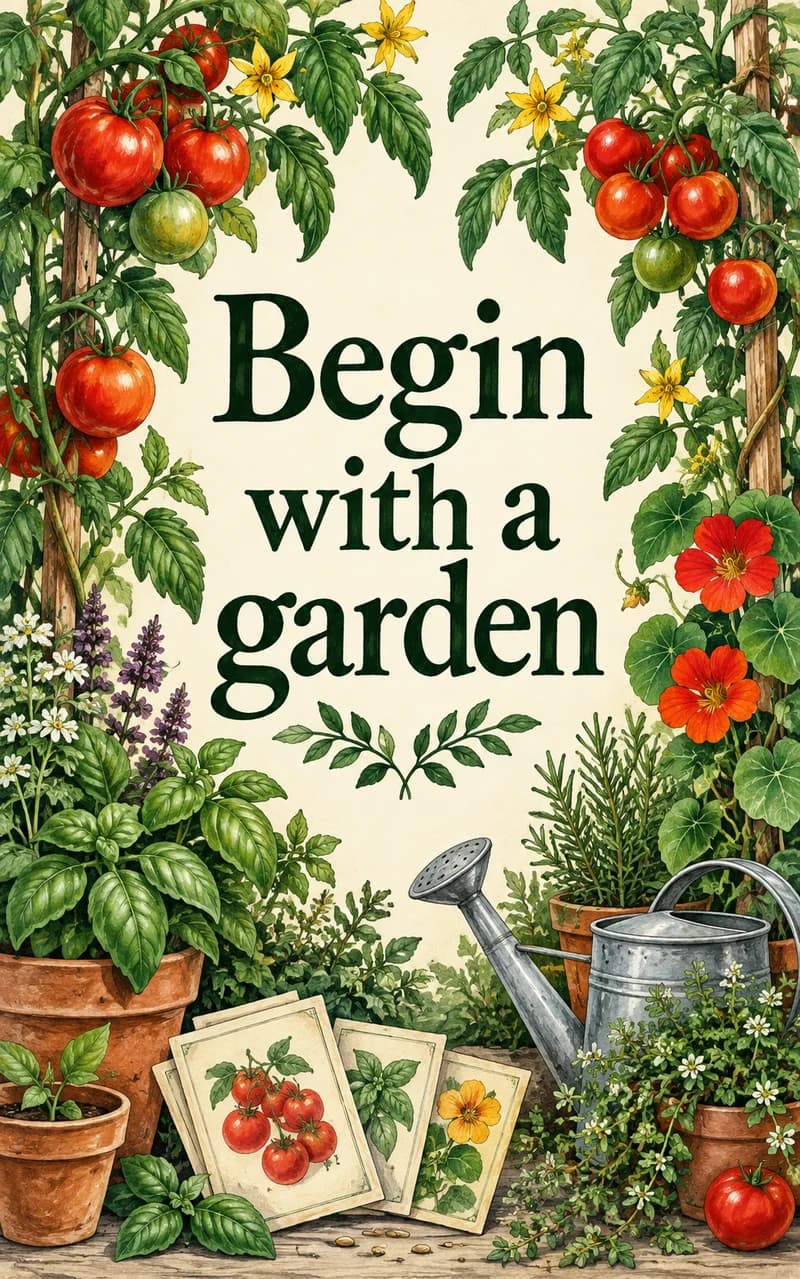
Buyers judge a book by its cover. Every CreateBook ebook gets artwork made for its genre.





YOUR QUESTIONS, ANSWERED
Describe your idea. CreateBook suggests a title and a chapter plan.
Upload your notes as a TXT, Markdown, or Word file to guide the writing.
CreateBook suggests a chapter plan. You can change it before writing.
Choose a writing style, edit the text, and ask the AI to change a passage.
AI writing keeps going after you close the page. Come back to see the progress.
Generate a cover with AI, or upload an image you already have.
Turn the pages in the book preview, or read the text in a simple view.
Download a PDF to share, an EPUB for ebook readers, or a Word file to edit.
Start with your idea. Follow the steps to plan, write, and download your book.
You can still read, edit, and download your saved books after cancelling.
$8 per month. Get started with 40 credits.
MORE THAN A TEXT BOX
A chat can help with a paragraph. A book also needs somewhere to live.
WITH A CHAT APP
 ChatGPT
 Claude
 Gemini
WITH CREATEBOOK
STILL NOT SURE?
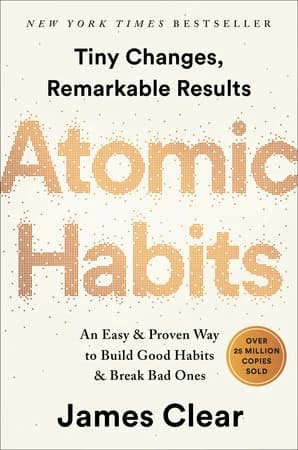
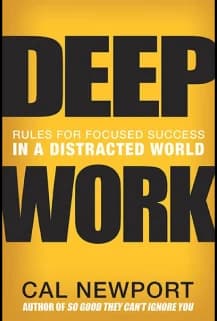
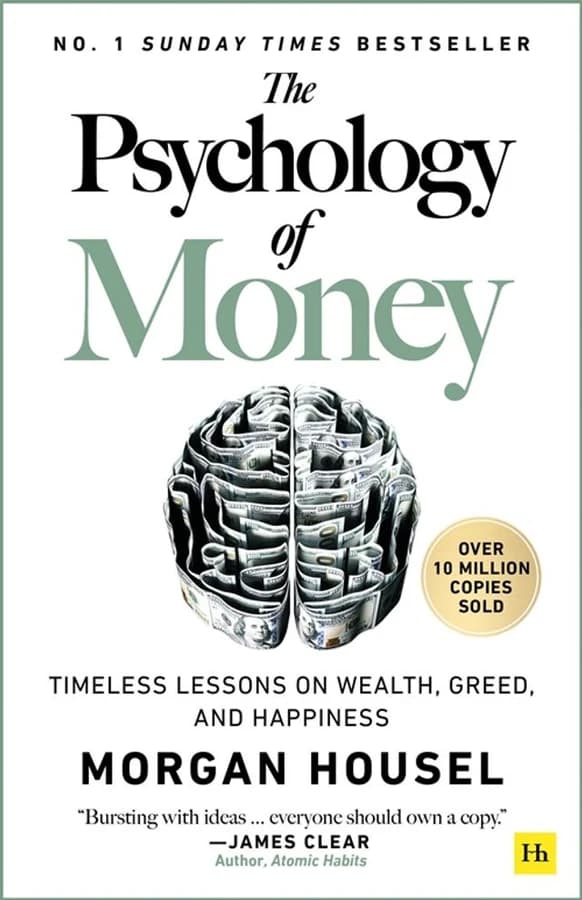
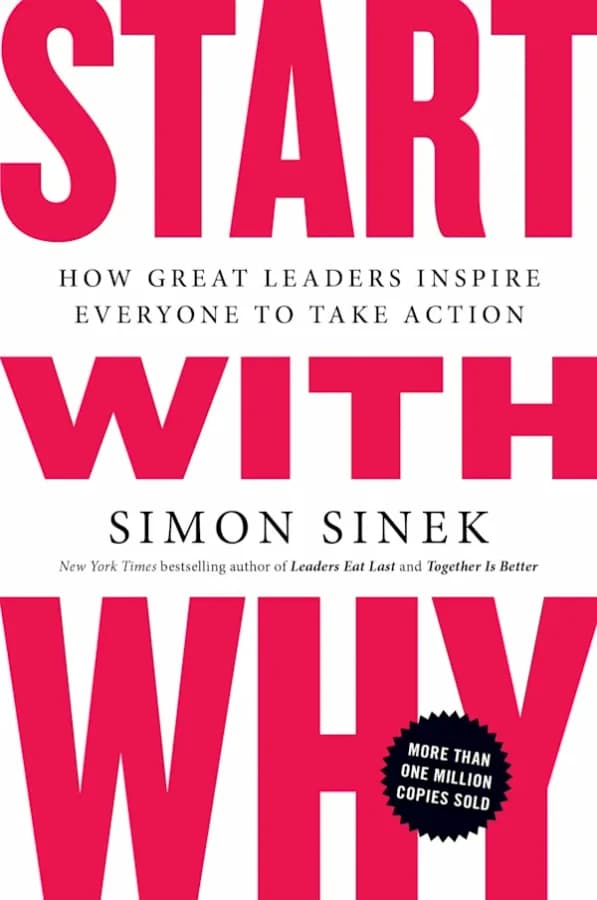
These books weren’t created with CreateBook. This is not an endorsement from their authors.

FROM THE DESK OF
FelixCMO, CreateBookYou’ve had it in you for years. Maybe it’s a manuscript in a drawer. Maybe it’s a life story your family keeps asking you to write down. Or maybe it’s something you know so well that people keep asking for your advice. You just haven’t turned it into a book yet.
And you’ve probably tried writing with AI. A few good paragraphs, another conversation, another document. Before long, you’re copying chapters between tabs, fixing the formatting, and trying to keep the whole thing together. You still need a cover. You still need a file you can hand to a reader.
Think about what finishing a book really takes. You need a clear structure. Chapters that belong together. Time to edit. A cover you’re proud of. And a finished file someone can open and read. CreateBook brings those steps into one place, so you can spend more time on the story you want to tell.
Start with your idea or bring the notes you already have. We help shape the outline and write a first draft. You decide what stays, what changes, and what sounds like you. Then give it a cover, turn through the pages, and download your ebook. From that first sentence to something you can put in a reader’s hands.
Your idea deserves more than
another unfinished document.
You don’t need a perfect first draft to begin. Tell CreateBook what your book is about and who it’s for. React to what it writes: keep this, change that, make this sound more like me. Your judgment is what makes the book yours.
Bring it with you. Use your notes to guide the writing, work through edits, and choose the cover and files that fit your book. You’re still the author. CreateBook helps with the work around your words.
Think about the questions people already come to you with. Your recipes. The skill you teach. The lessons you wish someone had shared with you sooner. A helpful ebook puts those answers in one place, ready for someone to buy and use.
If you want to earn from your ebook, here’s where I’d start:
You can sell the same ebook more than once, without printing or packing another copy. CreateBook helps you write, edit, design the cover, and prepare the files. You choose the price and find your readers. Sales take work, but your first goal can be simple: one useful book, and one person happy to pay for it.
For $8, you can begin turning it into an outline and a first draft. See your words take shape before deciding how far you want to go. A longer book may need a larger plan, but you don’t have to figure out the whole journey tonight.
If CreateBook isn’t right for you, email us within seven days for a refund of your first membership payment. You keep your writing.
Whether you want to share a family story, teach what you know, or create your first ebook to sell, start with the idea you already have. You can decide what comes next when you see it on the page.
Your move.
$8 per month. Cancel anytime. Your writing stays yours.
7-day money-back guarantee on your first membership payment.
P.S. The first page doesn’t have to be perfect. It just has to exist.
You get 40 credits each month to use for AI writing and covers. You can plan, write, edit, and download your book as a PDF, EPUB, or Word file. Writing and editing by hand do not use credits. You see the credit cost before starting AI work. A full book may need more than 40 credits.
Yes. You keep your work and can sell it on Amazon Kindle, Apple Books, Etsy, Gumroad, Payhip, Shopify, or your own site. You set the price and keep what the store pays you. Check each store’s rules, including any rules for AI-assisted books.
It depends on your topic, price, and how you reach readers. Most first ebooks earn a little before they earn a lot. Books that solve one clear problem for one kind of reader, priced at $5–$20 and shared with an audience that already trusts you, tend to sell best. On your own store, one $9.99 sale a month covers your membership after fees. Sales are not guaranteed.
Coaches, creators, freelancers, teachers, and anyone people come to for advice. If you keep answering the same questions, those answers can become a product you sell while you sleep.
Yes. Choose your idea, review the chapter plan, and start writing. CreateBook can write a first draft of each chapter. Read it, check the facts, and make changes before sharing or selling the book.
Yes. Upload your notes as a TXT, Markdown, or Word file to guide the AI. You can also type or paste your own text into the chapter editor, then edit it there.
Choose something you know or a story you want to tell. You could write a recipe book, a beginner guide, or a family story. For a guide, start with one question your readers need help with.
Yes. AI can get facts wrong or repeat ideas. Read each chapter, check the facts, and add your own knowledge and experience. Make sure you are happy with the book before sharing or selling it.
Open Account to cancel your membership. You can still read, edit, and download your saved books after cancelling. For a refund of your first membership payment, email hello@createbook.io within 7 days of that payment.
KNOW WHAT YOU’RE GETTING
A formatted copy for sharing and printing.
A book that adapts to the reader’s screen.
An editable manuscript to keep working on.
If it is not right for you, email within 7 days for a refund of your first membership payment. You keep your writing.
Turn it into an ebook tonight. CreateBook writes, designs, and exports it. You choose the price and where to sell it.
Read the membership terms